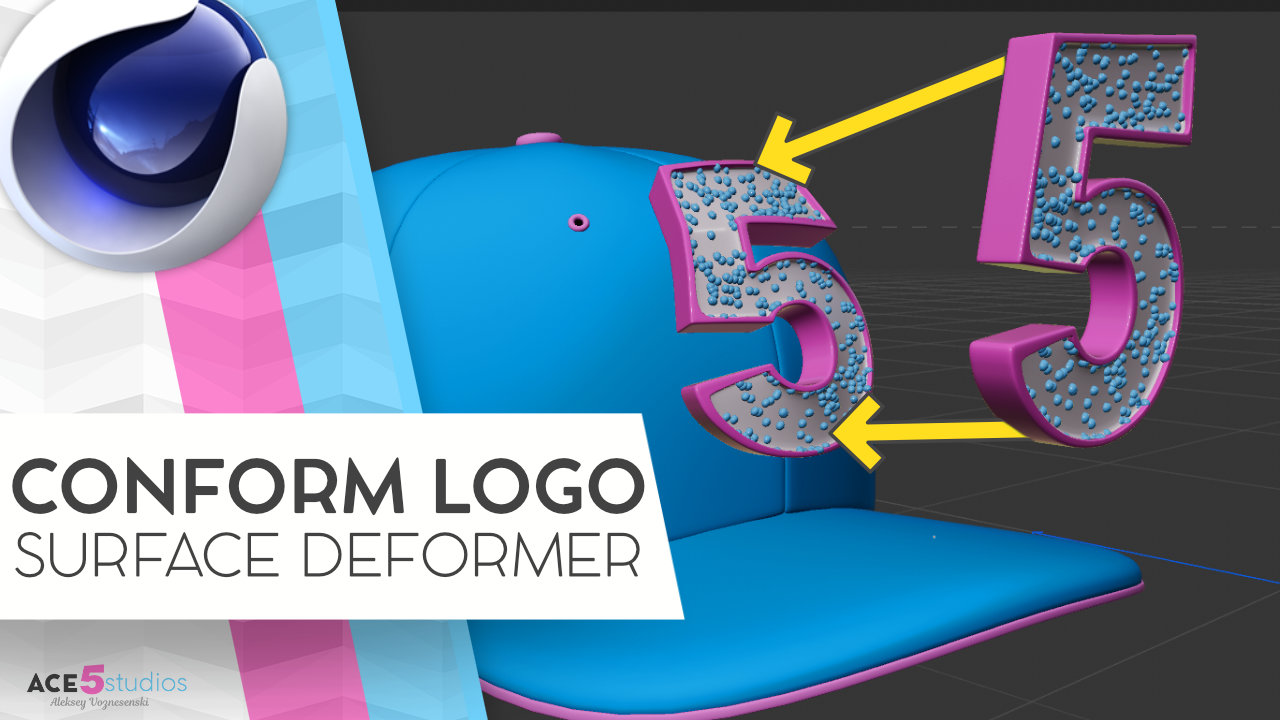

Ever tried to stick a 3D logo or a sticker onto a curved surface—like a hat or a character’s chest—and realized it’s a bit of a nightmare? You want to be able to move it around, scale it, and rotate it without the mesh breaking or losing all that nice 3D detail.
In this tutorial, I’m going to show you a nifty way to attach 3D objects to the surface of another object so they deform perfectly as you move them.
If you’ve been using Cinema 4D for a while, your first instinct might be to reach for the Projection Deformer or the Shrink Wrap Deformer. But those don’t quite work as you’ve probably noticed.
The secret is to use a multi layered approach with a sufrace deformer and a proxy plane. So lets get into it see how it’s done!
Need some high-quality rigs?
If you’re looking for professional, fully rigged characters for your projects, head over to shop.ace5studios.com. All our characters are customizable, animation-ready, and come with materials included. We’ve even got some free rigs for you to try out!

![[C4D] Office Melissa Rig: Your New Animation MVP | Cinema 4D](https://ace5studios.com/wp-content/uploads/2026/01/Intro-cover-image-office-Melissa02.jpg)