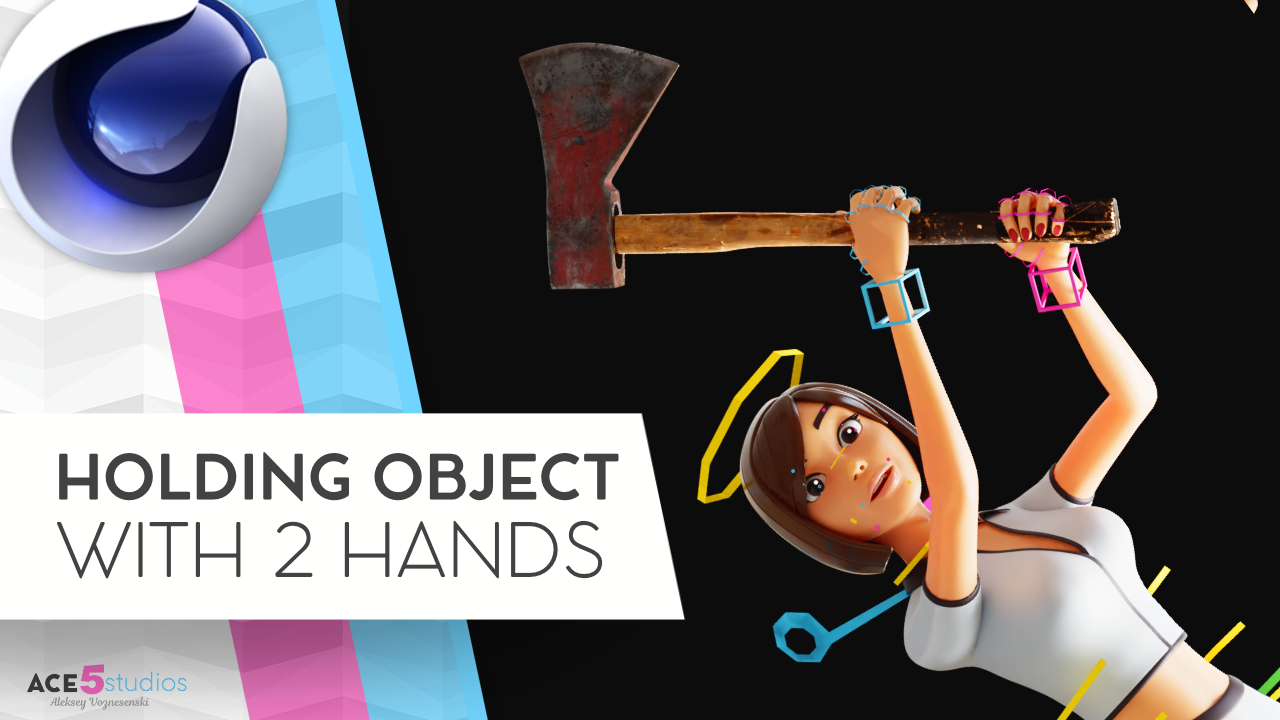

How to Make a Character Hold an Item with Two Hands in Cinema 4D
One of the questions I get asked all the time is: “How do I get my character to hold onto one object with both hands?” Whether it’s an axe, a heavy crate, or even a pool cue, getting two hands to move in sync with a single object can be a real headache if you don’t have the right setup.
In this tutorial, I’m breaking down three different techniques to handle two-handed items so you can stop fighting your rigs and start animating.
1. The “Axe” Method (Following the Leader)
When you have an object like an axe, gold club, sword or a baseball bat, one hand usually does most of the heavy lifting. The trick here is to make one hand the “master” and have the second hand follow along using a hand anchor. This keeps the grip solid while you’re swinging away.
2. The “Box” Method (Picking Up Objects)
If your character is picking up a heavy crate or a chest, you want both hands to stay glued to the sides of the object. I show you how to set up constraint nulls inside the object. This is super useful because it allows you to easily turn the strength on and off—perfect for when your character needs to pick the box up and then let it go.
3. The “Pool Cue” Slide
This one is a bit more advanced. What if the object needs to slide through one hand while being held by the other? We use an Aim Constraint to make sure the stick always points exactly where it needs to go, no matter how much you move the sliding hand.
Need some high-quality rigs?
If you’re looking for professional, fully rigged characters for your projects, head over to shop.ace5studios.com. All our characters are customizable, animation-ready, and come with materials included. We’ve even got some free rigs for you to try out!

![[C4D] Office Melissa Rig: Your New Animation MVP | Cinema 4D](https://ace5studios.com/wp-content/uploads/2026/01/Intro-cover-image-office-Melissa02.jpg)
