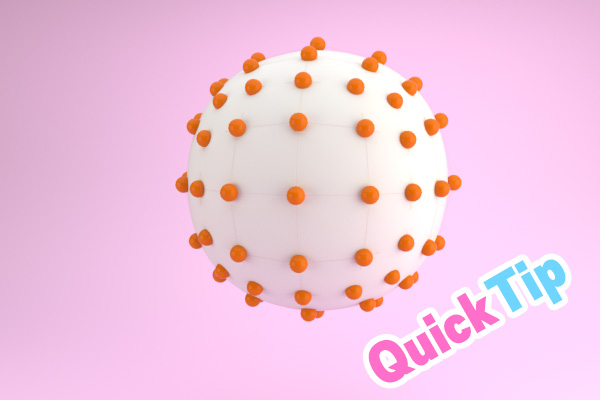

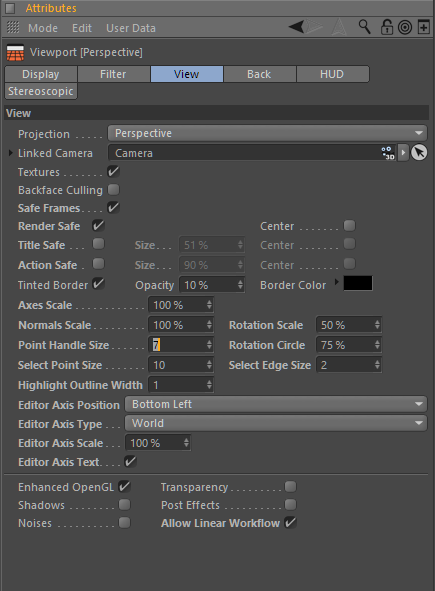
You can change the point size in cinema4D by pressing Shift+V and going to “view” and changing the point handle size
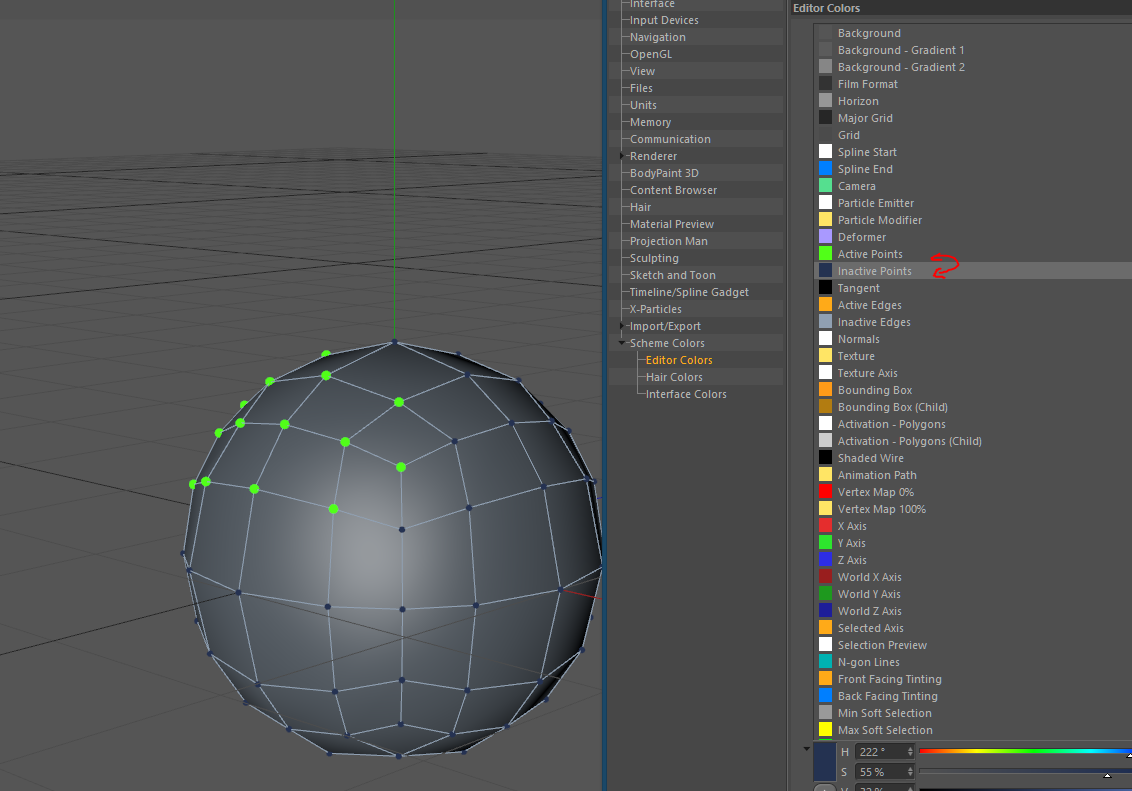
You can also change the point color by pressing ctrl+E and then going to editor colors and changing active and inactive point colors.
Cheers,
Aleksey



![[C4D] Office Melissa Rig: Your New Animation MVP | Cinema 4D](https://ace5studios.com/wp-content/uploads/2026/01/Intro-cover-image-office-Melissa02.jpg)
